Scheduling
Stations and operating hours
Your venue has stations. Bar, kitchen, floor, terrace. Each station has operating hours. The bar might run in the afternoon and again in the evening. Each block of operating hours has its own responsibilities and its own staffing needs.
Prep, handover, closing
Running a station is more than just the service itself. There is prep before, closing after, and when one crew finishes and the next starts, there is a handover. Each phase has its own tasks. Those tasks are grouped into responsibilities, and the responsibilities are what Gastova assigns to a station’s operating hours. The afternoon crew sees their handover tasks as the evening crew arrives for prep. Gastova schedules the overlap so both crews are present.
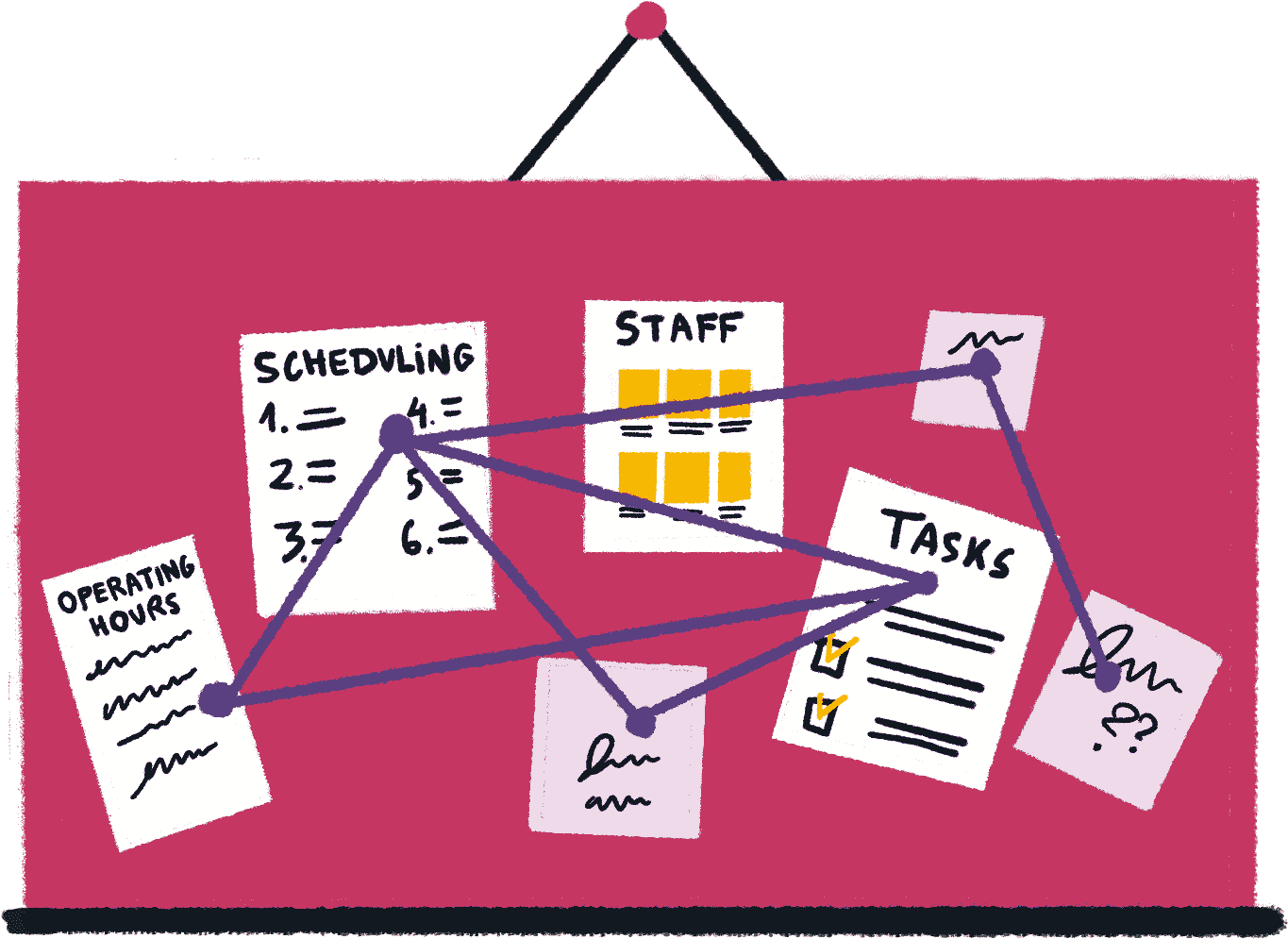

Templates
A template defines which stations operate and when. It sets the responsibilities and staffing levels for each block of operating hours. You assign templates to days of the week as your default. For a special event or a quiet day, you assign a different template. The schedule is a draft until you publish it. Changing the template later does not affect past schedules.
Staffing levels
Each block of operating hours has a minimum, ideal, and maximum number of staff. The minimum is what you need to keep the station running. The ideal is what a good night looks like. The maximum prevents overstaffing. These numbers live in the template and carry into every schedule you create from it.
Who fits
When you assign staff to a station, Gastova shows who is available. Competencies, availability, leave, conflicts with staff already assigned, supervisor requirements. Staff who do not pass are not on the list. Gastova shows which check excluded them. You are not guessing why someone is missing.
Automatic proposals
When you schedule manually, the system tells you when an assignment does not work. Automatic proposals go further. You load a template and Gastova assigns staff to every station’s operating hours at once. The result is a draft you review and publish.
With budget-aware scheduling, you set what you want to spend for the night. Gastova fills the schedule within that number. Contracted hours are fulfilled first. Remaining capacity goes to flexible staff until the budget is reached. The schedule shows live costs as you build it.
When things change
When someone drops out of a published schedule, Gastova shows who on your team has the right competencies and is available for those operating hours. You pick a replacement and update the schedule.
Join the waitlist
Work with us before we launch.